
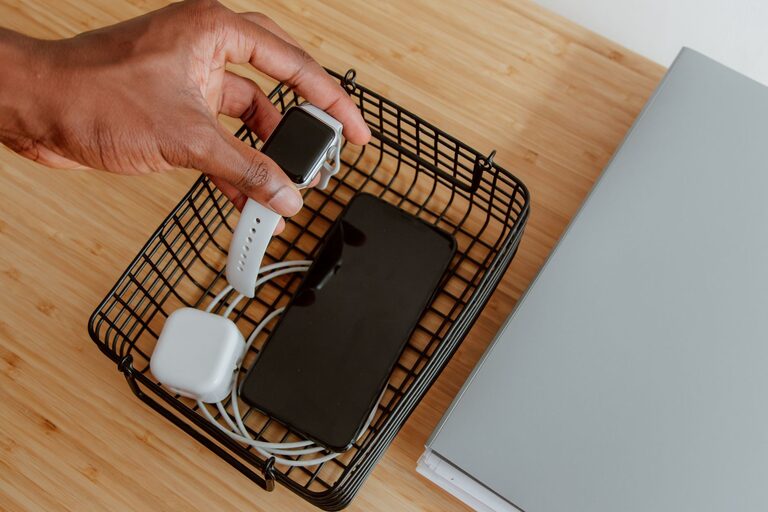
Setting up a dedicated charging station for your devices can make daily life much easier and more organized. Whether you have smartphones, tablets, smartwatches, or wireless earbuds, having a central spot to charge them prevents clutter and helps ensure your gadgets are always ready to use. In this guide, we’ll walk you through the steps to create an efficient and user-friendly charging station at home.
Why Create a Charging Station?
Many households struggle with tangled cords, lost chargers, and dead batteries at the worst times. A charging station offers several benefits:
– Organization: Keeps all your charging devices and cables in one place.
– Convenience: Makes it easier to charge multiple devices simultaneously.
– Safety: Reduces the risk of electrical hazards caused by scattered chargers.
– Aesthetics: Helps minimize clutter for a cleaner look on desks or countertops.
Step 1: Choose the Right Location
Select a spot that is easily accessible and near power outlets. Common choices include:
– A desk or side table where you spend a lot of time.
– A kitchen counter or living room shelf.
– A dedicated charging drawer or cabinet insert.
Make sure the area has good ventilation to prevent devices from overheating during charging.
Step 2: Gather Necessary Supplies
Before you start, collect the items you’ll need:
– Charging station unit: This could be a multi-port USB charger, a charging stand, or a universal charging dock.
– Power strip: Look for one with surge protection and enough outlets.
– Cable organizers: Clips, ties, or sleeves to keep wires neat.
– Labels (optional): To identify cables and devices easily.
Choose chargers compatible with your devices and preferably those with fast charging capabilities.
Step 3: Select a Charging Station Type
Here are common types of charging stations you can consider:
Multi-Port USB Chargers
These devices offer several USB ports on one power brick. They allow charging of multiple devices with separate cables plugged in.
Wireless Charging Pads
Ideal for smartphones and earbuds that support wireless charging. Some pads accommodate multiple devices at once.
Charging Cabinets or Drawers
Enclosed units where you can hide devices while charging. They help keep cables out of sight and reduce clutter.
DIY Setup
Use a power strip combined with cable organizers and trays to create a custom charging station.
Step 4: Organize Your Cables
Managing cables is crucial for a tidy charging station. Follow these tips:
– Use cable clips or holders to secure cords in place.
– Shorten long cables with reusable cable ties or wraps.
– Label each cable, especially if several look similar.
– Consider using color-coded cables for different devices.
Proper cable management prevents tangling and makes it easier to plug in or remove devices.
Step 5: Arrange Your Devices
Place your devices in the charging area thoughtfully:
– Use stands or holders to keep phones and tablets upright.
– Keep devices that support wireless charging directly on the pad.
– Avoid stacking devices on top of each other to ensure even charging and ventilation.
– Make sure cables reach devices without strain.
Design your station for easy access so you can grab your gadgets quickly.
Step 6: Safety and Maintenance Tips
To keep your charging station safe and functional:
– Avoid overloading power strips or chargers.
– Unplug chargers during electrical storms.
– Regularly check cables for damage and replace worn ones.
– Keep liquids away from the charging area.
– Clean the station and chargers occasionally to prevent dust build-up.
Extra Tips for Customization
– Add a small basket or tray to hold accessories like earbuds or charging adapters.
– Use decorative elements to blend the station with your room decor.
– Incorporate a small lamp or nightlight if your station is in a dark area.
– Consider portable charging stations if you need to move your setup frequently.
Conclusion
Creating a dedicated charging station at home is a simple project that pays off with daily convenience and better organization. By choosing the right location, investing in suitable chargers, and managing cables effectively, you can keep your devices powered and ready without the usual clutter. Start with the steps above and customize the setup to your needs for a seamless charging experience.
About the Author