Creating a workspace that supports both focus and comfort can make a significant difference in your productivity and well-being. Whether you work from home or in an office, your desk setup plays a crucial role in how effective and comfortable your workday feels. In this post, we’ll explore practical tips to enhance your desk setup so you can stay focused, reduce discomfort, and enjoy your work environment.
Why Your Desk Setup Matters
The way your workspace is arranged affects your posture, concentration, and energy levels. A cluttered or poorly arranged desk can lead to distractions, fatigue, and even physical pain. Conversely, a thoughtfully designed desk setup helps you maintain focus, reduces strain on your body, and creates a positive impression of your work area.
1. Choose the Right Desk and Chair
Desk Height and Size
– Your desk should be at a height where your elbows are at a 90-degree angle when typing or writing.
– Ensure there’s enough surface area to hold your computer, notepads, and other essentials without overcrowding.
Ergonomic Chair
– Invest in a chair with adjustable height, lumbar support, and comfortable padding.
– Your feet should rest flat on the floor or a footrest, while your back is supported to prevent slouching.
2. Position Your Monitor Correctly
Monitor Height
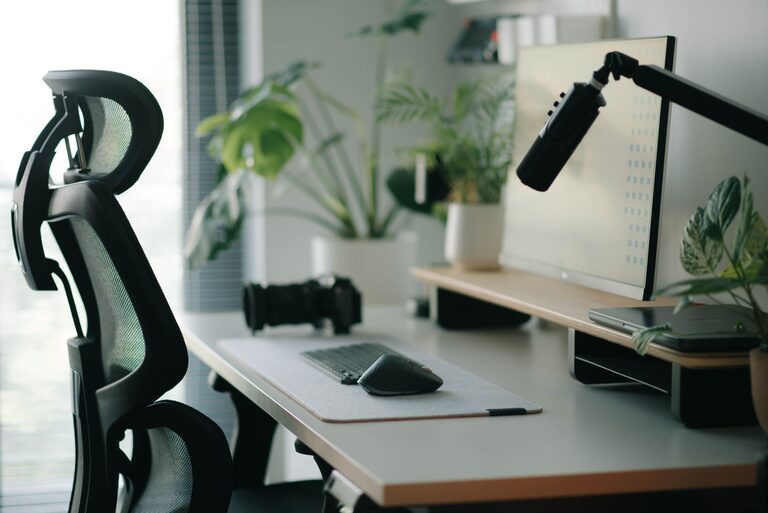
– The top of your screen should be at or slightly below eye level.
– This helps prevent neck strain and encourages good posture.
Distance
– Place your monitor about an arm’s length away.
– This reduces eye strain and makes it easier to focus.
3. Optimize Lighting
Natural Light
– Position your desk near a window if possible to take advantage of natural light.
– Avoid glare on your screen by angling the monitor or using blinds.
Artificial Lighting
– Use a desk lamp with adjustable brightness for focused lighting.
– Soft, warm light reduces eye strain compared to harsh, overhead fluorescents.
4. Organize and Declutter
Keep Essentials Within Reach
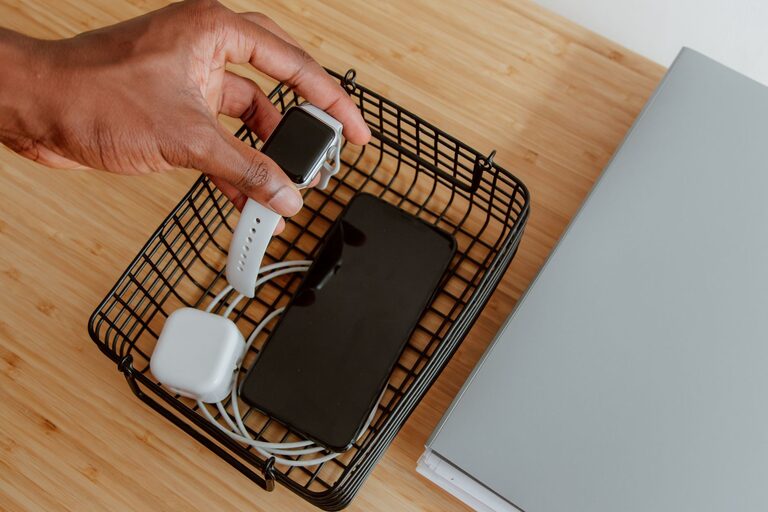
– Use organizers or trays to keep pens, notebooks, and other frequently used items close by.
– This minimizes distractions caused by searching for things.
Declutter Regularly
– Remove unnecessary items from your desk daily or weekly.
– A tidy workspace promotes a clear mind and better focus.
5. Add Comfort with Accessories
Keyboard and Mouse
– Use an ergonomic keyboard and mouse to reduce strain on your wrists.
– A wrist rest can further support your hands during long work sessions.
Footrest
– If your feet don’t comfortably reach the floor, a footrest can improve posture and circulation.
Cushions and Support
– A seat cushion can add comfort, especially for long hours.
– Consider adding lumbar or back supports if your chair lacks these features.
6. Customize Your Space
Personal Touches
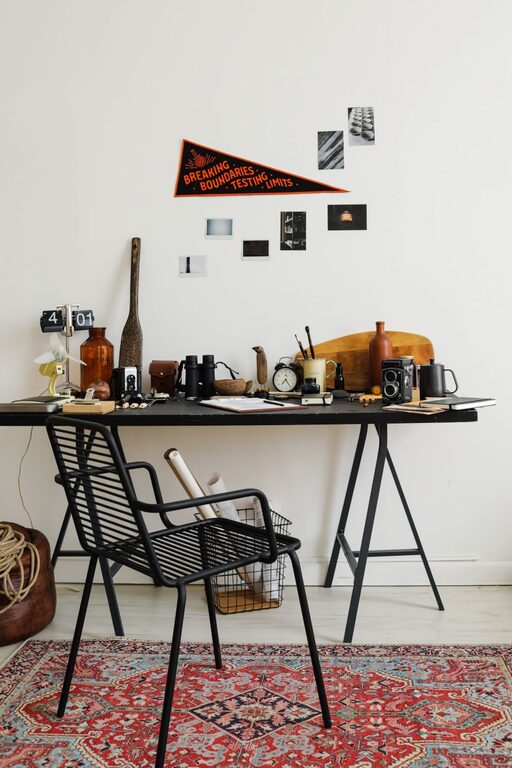
– Add a plant, artwork, or personal photos to make your workspace inviting.
– Avoid too many distractions but a familiar item can boost mood.
Noise Control
– Use noise-cancelling headphones or white noise machines if background noise is an issue.
– This can help maintain focus, especially in busy environments.
7. Incorporate Movement and Breaks
Standing Desk Options
– Consider a sit-stand desk to alternate positions throughout the day.
– Changing posture helps reduce stiffness and increase energy.
Scheduled Breaks
– Take short breaks every hour to stretch or walk around.
– This reduces physical strain and improves mental clarity.
Summary
Designing a desk setup that balances focus and comfort is about combining good ergonomics with an organized and inviting environment. Start by choosing the right furniture, positioning your equipment thoughtfully, and managing lighting and clutter. Add accessories that support your body and personalize your space in a way that motivates you to stay productive. Remember to move regularly and take breaks to keep your mind and body fresh. With these tips, your desk can become a powerful tool to help you work better and feel great throughout the day.
About the Author